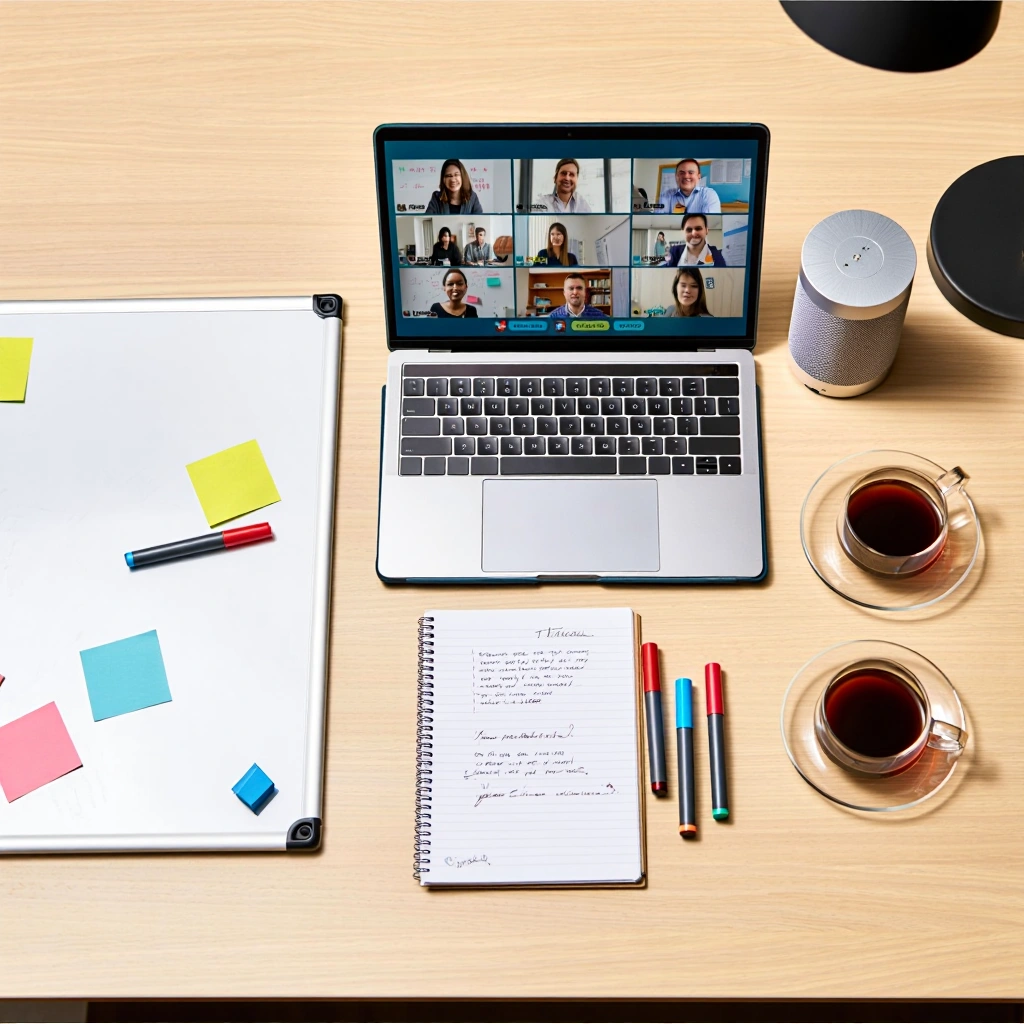
After nearly two decades working with distributed teams across industries — from startups to global enterprises — I’ve seen every version of remote productivity: the chaotic, the robotic, the elite.
In 2025, productivity isn’t about working harder. It’s about designing your systems, tools, and habits so that your environment pushes you forward — not pulls you back.
This guide distills the most effective, real-world productivity hacks I’ve taught, implemented, and refined for remote professionals and leaders who want to dominate their days without burning out.
Let’s get tactical.
🧠 1. The Mindset Shift That Changes Everything
Most productivity advice assumes the problem is laziness. It’s not.
The real enemy in remote work is mental fragmentation — dozens of small decisions, interruptions, and unclear expectations that sap your focus.
🔑 Your remote success depends on 3 mindset shifts:
- From Time to Energy: It’s not how long you work — it’s what you can do at your best energy levels.
- From Reaction to Intention: Stop letting your inbox set your priorities. Start owning your calendar.
- From Busyness to Output: Remote work rewards results, not visible activity.
“Remote productivity begins when you stop proving you’re online — and start proving you can deliver.”
🗓️ 2. Core Habits of High-Performing Remote Workers
🌄 Morning Kickstart Routine (30 mins)
Here’s a routine I’ve personally used and refined for years:
- No screen for the first 20 mins — Just movement, water, and light
- Journal 3 wins you want for today
- Review your calendar and stack-rank your Top 3 priorities
- Start the first task before checking messages (your energy is highest)
Try blocking “Focus Mode” (90 min) in your calendar for that #1 task before checking Slack or email.
🧘♂️ The Power of the Midday Reset (10 mins)
You don’t need hour-long breaks — you need short state resets.
- Step away from the screen
- Breathe deeply for 90 seconds
- Ask: What’s the next high-leverage thing I can do today?
This one habit alone has rescued more afternoons than coffee ever did.
🧰 3. Tool Stack Ranking: What Actually Works in 2025
After testing 100+ apps and setups, here’s my battle-tested 2025 productivity stack — ranked by impact, not hype.
🔝 Top 10 Tools for Remote Productivity (2025)
| Rank | Tool | Category | Why It’s Essential |
|---|---|---|---|
| 1 | Notion | Knowledge OS | Central hub for planning, docs, goals |
| 2 | Motion | Time & task automation | Auto-schedules your priorities in real time |
| 3 | Twist | Async communication | Email + Slack hybrid built for focus |
| 4 | Reclaim.ai | Calendar AI | Blocks focus time, habits, and meetings with auto-prioritization |
| 5 | Raycast | MacOS command launcher | Instant file/app search, custom scripts |
| 6 | Loom | Async video | Kills meetings, improves clarity |
| 7 | Cron | Next-gen calendar | Fast, keyboard-driven calendar with team overlays |
| 8 | Tana | Networked thinking | Notes + tasks + database, faster than Notion for power users |
| 9 | Magical | Text expander | Fills repetitive data instantly, saves hours |
| 10 | Krisp | Audio AI | Removes background noise for cleaner calls anywhere |
📚 4. Deep Productivity Frameworks You Can Deploy Today
🔄 The 3-Level Productivity Stack
Organize your work across 3 levels:
| Level | Focus | Tools |
|---|---|---|
| Strategic | Goals, OKRs, outcomes | Notion, Tana |
| Tactical | Projects, weekly planning | Motion, Cron |
| Executional | Tasks, deep work | Reclaim, Raycast, time blocking |
When your work moves seamlessly across these layers, you stop wasting time switching contexts.
🎯 Focus Sprint System (90–15–90)
Used this with entire remote sales and product teams:
- 90 minutes deep work – One task only. No distractions.
- 15 minute reset – Movement + review + reset intention.
- 90 minutes focused flow – Respond, plan, create again.
→ Do two of these per day = 3 hours of deep output
This beats any 8-hour scattered day.
🧪 5. Mini Tutorials: Advanced Techniques That Save You Hours Weekly
⏱️ Automate Your Calendar with Reclaim.ai
Goal: Automatically protect your focus time, habits, and meetings without manually blocking them.
Setup:
- Connect your Google Calendar to Reclaim.ai
- Define “habits” (e.g., Deep Work, Planning, Email catch-up)
- Reclaim finds open space and adjusts dynamically if priorities shift
- It syncs across teams — so everyone sees your availability with context
Bonus: Integrate with Slack to get “Focus Mode” alerts.
⚙️ Build a Command Center in Notion
Goal: See everything that matters in one view — without click hell.
Steps:
-
Create a “Today Dashboard” with these blocks:
- Quick links to all weekly projects
- Embedded calendar (linked with Motion or Cron)
- Top 3 tasks with checkboxes
- Rolling notes log with
/linked database
-
Use Notion AI to summarize long updates for async check-ins
-
Set your homepage to open this page on browser launch
This single dashboard can eliminate 5–6 other tabs per day.
🎙️ Replace Standups with Async Video (Loom Ritual)
Problem: Daily meetings destroy flow.
Solution: Async video standups — faster, clearer, human.
Steps:
- Team members record a 1–2 min Loom answering:
- What I worked on yesterday
- What I’m focused on today
- Any blockers
- Share to a single thread/channel
- Everyone watches on their own time
- Use emoji reactions or short replies to engage
This reduces 3–4 hours of meetings per week while maintaining connection.
🧠 6. Pro Hacks That Make You 2x Faster (Without Burnout)
🧼 Clean Environment = Clean Mind
- One monitor. No clutter. No dock.
- Use Raycast for instant everything (no mouse).
- Uninstall 3 unused tools per month.
⌨️ Keyboard is King
- Set up custom shortcuts for:
- Email templates (Magical)
- Notion commands
- Calendar switching (Cron)
- Clipboard history (Raycast or Alfred)
Rule: If you repeat it 3x a day, automate it.
💤 Energy > Time Management
Your brain is not a machine. Track your energy curve, not just your time.
Build your day like this:
- Morning (High Focus): 1 deep task
- Midday (Coordination): Slack, updates, light calls
- Afternoon (Light Focus): Email, docs, admin
- End (Shutdown): Review, plan tomorrow, disconnect
Pro tip: Use Reclaim to make this flow automatic based on your real workload.
🧩 7. Async Routines for High-Trust Remote Teams
To stay productive remotely, teams need ritualized routines that eliminate unnecessary meetings but preserve clarity.
Weekly Rhythm Example:
| Day | Ritual |
|---|---|
| Monday | CEO/Team Lead async update (Notion or Loom) |
| Tuesday | Personal sprint planning (Top 3 priorities) |
| Wednesday | Project update thread (no meeting) |
| Friday | Demo or async wins + Praise thread |
Outcome: Everyone stays aligned — without draining their calendar.
📌 TL;DR — The Ultimate 2025 Remote Productivity System
Here’s the condensed version you can copy and steal:
- 📅 Automate your schedule (Reclaim, Motion)
- 🧠 Use your energy curve, not just hours
- 🧰 Stack your tools for clarity and speed (Notion + Raycast + Cron)
- 🔕 Replace meetings with async updates (Loom, Twist)
- 🧱 Build a personal dashboard to reduce cognitive load
- 🧪 Systemize your day around sprints, not tasks
- 🙌 Use rituals to create rhythm and accountability
- ⌨️ Automate everything repeatable — even 5-second actions
🎯 Want to Build Your Team’s Remote Operating System?
At OpenWork3, we help high-growth companies and founders optimize their productivity systems across tools, culture, and team habits.
If you’re building or leading a distributed team, we can help you design your own Remote OS — built for speed, clarity, and balance.
👉 Book a productivity audit
👉 Or follow us on Twitter for more tools, templates, and insights.